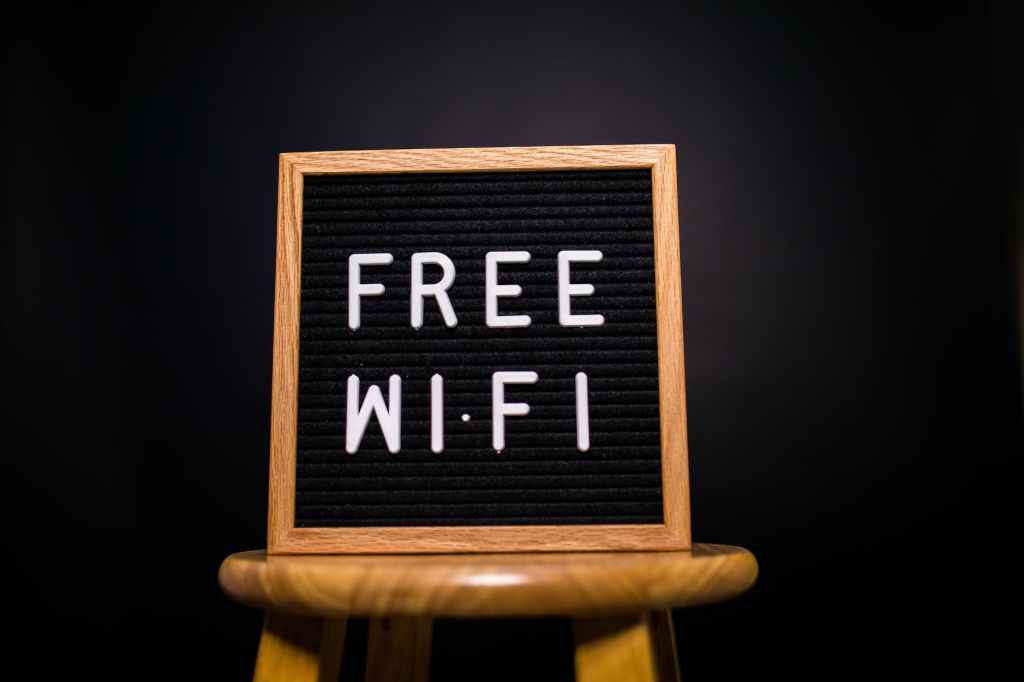
We live in an interconnected world where being able to access the internet is essential to most jobs or stay in touch with friends and family not to mention having information on hand conveniently.

Luckily we have restaurants, airports, hotels, libraries and coffee shops on every corner offering free WIFI to help us stay connected to fast and reliable internet where ever we go but before we connect we should be weary of the security concerns with connecting to an open network and ensure we stay safe when we do.
The risks with public WIFI
These kinds of networks are generally there for convenience and to keep customers around for as long as possible and are usually much less secure than the WIFI in a corporate or home environment.
Public WIFI is perfect for hackers who want to make use of some specilised attacks that utilise the nature of these kinds of networks.
Just a few of the attacks they employ are:
1. Man in the middle attacks: This is where a threat actor intercepts communications between two devices. They could sit in the middle between your device and the public router to capture information such as passwords, usernames, credit card numbers and much more.
2. Distribution of malware: Public networks are the perfect delivery systems for malware that hackers load into the system and spread to every device that connects. This malware can steal data and harm your device.
3. Fake hotspots: Hackers can even set up there own public WIFI routers to make you think your connecting to a genuine network however once you connect they are able to intercept all your traffic from what sites you browse to what you input into them.
4. Unencrypted Networks: Many free Wi-Fi networks do not encrypt the data being transmitted between your device and the Wi-Fi router. This means anyone on the same network could potentially see the information you’re sending and receiving.
5. Snooping and Sniffing: Cybercriminals can use special software kits and devices to eavesdrop on Wi-Fi signals. This allows them to access everything you are doing online — from viewing whole webpages you’ve visited to capturing your login credentials.
6. Wi-Fi Pineapple Attacks: Devices like Wi-Fi Pineapples can mimic trusted networks and trick your device into connecting to them. Once connected, cybercriminals can intercept your data.
Using public WIFI safely

Now that we know the risks we can start to take precautions to protect ourselves when we are using unknown and free networks. Here are some essential tips when connecting to any public network:
1. Use a virtual private network(VPN): VPN’s create an encrypted tunnel between your device and the network it connects to, this means that all your data is encrypted while using it making you much more secure.
2. Avoid sensitive information: While its not always possible depending on your situation, where ever possible avoid using public WIFI to log into social media or banking apps. If a hacker has compromised the network its better they see you browsing cat videos rather than getting your bank information.
3. HTTPS everywhere: Whenever you can ensure the sites you visit are secured by HTTPS(Hyper Text Transfer Protocol Secure) over HTTP. This means the site encrypts the data between your browser and the website, you can tell as there will be a padlock symbol in the address bar next to the URL.
4. Forget the network: Once your done with using the public WIFI go into your devices settings and forget the network so you dont automatically connect to it everytime you are close by.
5. Use a Network Security Key: If possible, use a public Wi-Fi network that requires a network security key or has a sign-in portal. While not foolproof, these networks typically provide more security than entirely open ones.
6. Enable Firewall: Ensure your device’s firewall is enabled. A firewall acts as a barrier between your device and the internet, blocking potential attacks.
7. Use Antivirus Software: Antivirus software can protect your device from malware and other threats that might be encountered on public networks. Ensure your antivirus software is up to date for maximum protection.
8. Turn Off Sharing: When connected to a public network, make sure to turn off file and printer sharing on your device. These settings are typically more suitable for trusted private networks and could expose your data on a public network.
Conclusion
In our interconnected world, the use of public Wi-Fi has become almost a necessity. However, this convenience comes with significant security risks. By following the steps outlined in this article, you can protect your data and securely navigate public Wi-Fi networks. Stay safe, stay connected.



 V3ndta Cybersecurity
Leave a comment